
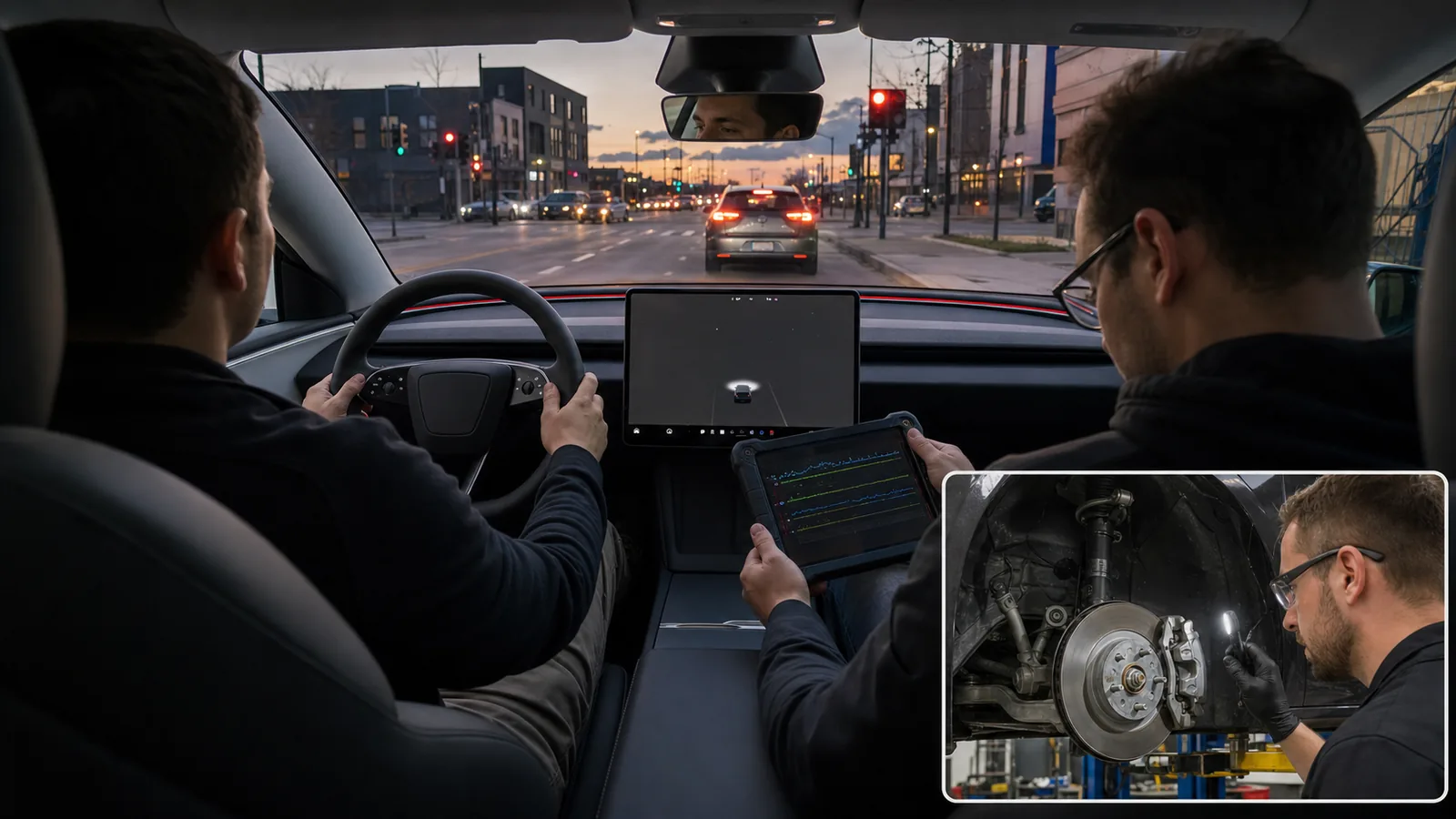
What the symptom usually means
Tesla notes that regenerative braking can vary with battery condition and that winter tires may temporarily affect regen behavior while the vehicle recalibrates. The owner-safe lesson is simple: compare the symptom across conditions before assuming a single failed part.
- Keep tires inflated to the vehicle placard and correct obvious tire-pressure warnings before comparing stops.
- Use scheduled preconditioning when cold conditions seem to limit regenerative braking.
- After a tire change, verify the tire configuration setting if available for your vehicle and market.
- Use the brake pedal normally when needed so friction brakes remain part of regular vehicle operation.
- Avoid relying on regen or Hold to save a stop; stay ready to brake.
Do not promise that regen strength can be disabled or adjusted on every Model 3 Highland. Settings and menu paths vary by software, region, and vehicle configuration, so the owner manual and the actual vehicle screen are the publication source of truth.
Common causes
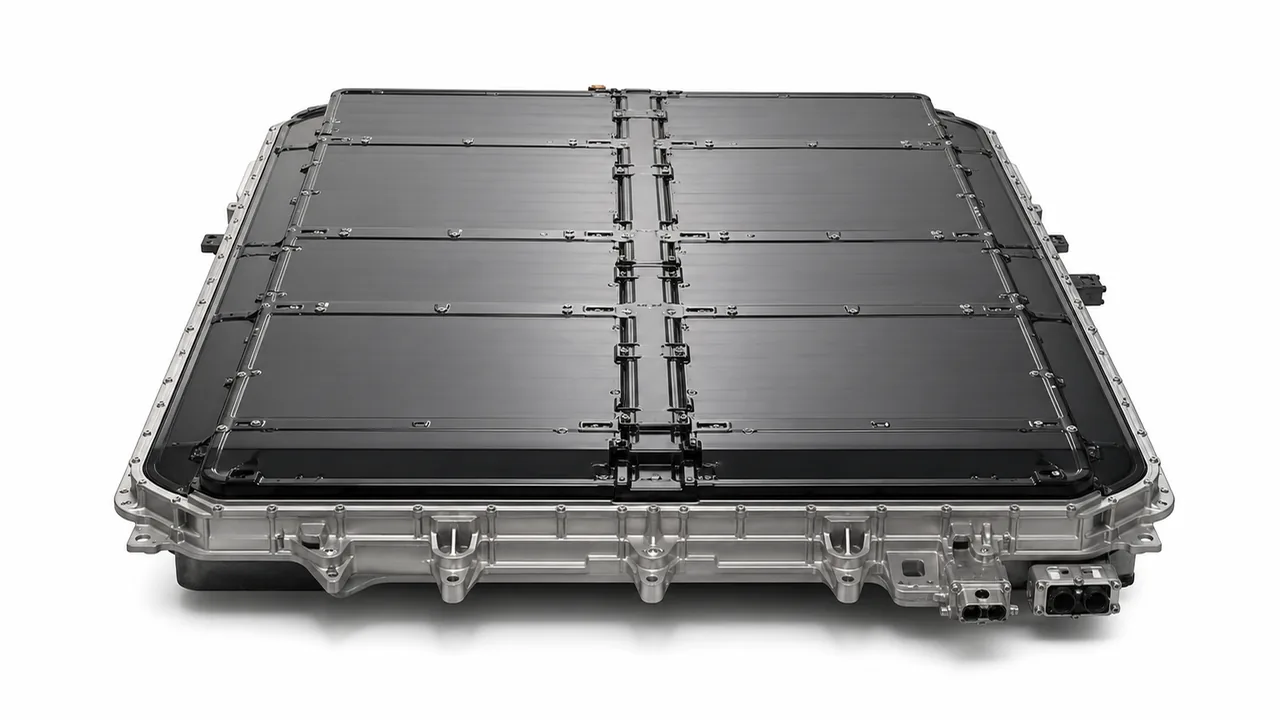
Regen-to-Hold transition at very low speed
The top benign explanation is a small transition feel as regenerative deceleration hands off to Vehicle Hold or final brake application. This is more plausible when the jerk happens only at the last moment before stopping, is mild, produces no warning, and does not happen during normal pedal braking.
Limited regen from cold battery or high state of charge
Regenerative braking can be limited when the battery is cold or already highly charged, and the car may use the regular brakes to keep deceleration more consistent. That blending can change pedal feel or stop feel, so document battery condition, outside conditions, and whether preconditioning reduces the symptom.
Brake blending or friction brake engagement
If the car is blending friction braking with reduced regen, the final stop can feel less seamless than pure regenerative deceleration. A brief, smooth change is one thing; a grab that repeats, gets stronger, or disappears briefly after a brake-pedal application points toward a brake inspection rather than a software guess.
Rotor surface rust, brake pad grab, or caliper issues
EV friction brakes may see lighter everyday use, so rotor surface rust or uneven pad contact can create a grabby final stop. This is especially worth checking if the car has been driven gently for long periods, parked in wet or salted conditions, or if the jerk temporarily changes after normal brake use.
Tire pressure, winter tires, road surface, or traction intervention
Tires can change low-speed deceleration feel. Incorrect pressure, recent tire replacement, winter tire fitment, uneven wear, or slick pavement can make traction control intervene or recalibrate regen behavior. A tire pressure warning, traction indicator, or symptom that follows road surface should move tires higher on the list.
Software update, driver profile, or calibration change
A software update, changed driver profile, tire selection setting, or calibration change can alter how the car feels during one-pedal driving. Do not assume software is the cause, but record the software version and whether the behavior began immediately after an update or after tire, wheel, or service work.
Brake, ABS, wheel-speed, or sensor-related fault
A brake, ABS, wheel-speed, or related sensor fault is less appropriate to diagnose from owner feel alone, but it becomes important when warning indicators, pulling, inconsistent deceleration, or harsh repeatable behavior appears. Tesla alerts and service diagnostics are more useful here than public guessing about hidden fault codes.
Quick checks
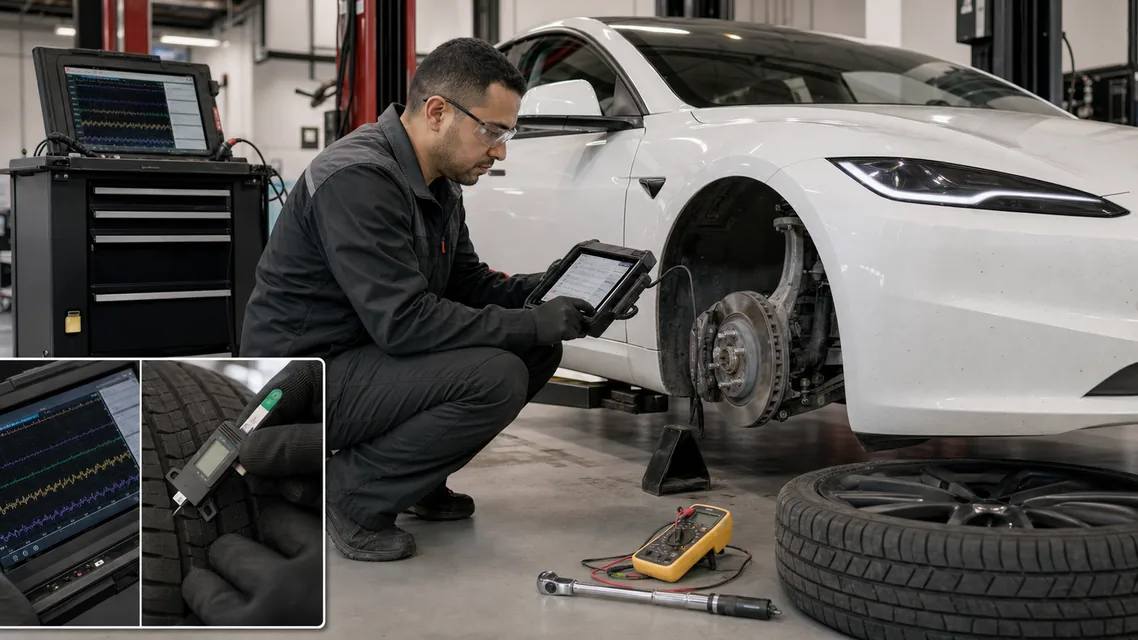
The shop should road-test the car in the same conditions that reproduce the jerk, then compare vehicle alerts, brake data, wheel-speed behavior, tire data, and service logs. If the symptom only appears during regen stops, the technician still needs to confirm that friction brakes and ABS-related systems are not contributing.
- Brake rotor condition, pad contact pattern, caliper movement, and signs of corrosion or drag.
- Wheel-speed and ABS data during the final stop event.
- Brake booster, hydraulic assistance, parking brake, and related brake alerts.
- Tire pressure, tire type, wheel size configuration, tread condition, and tire selection settings.
- Software version, calibration state, service logs, and whether a recent update or tire change lines up with the complaint.
- A controlled road test comparing regen-only slowing with normal brake-pedal stops.
Brake booster, ABS, inverter, drive-unit, and wheel-speed sensor explanations should stay possible causes unless verified by Tesla-capable diagnostics or a qualified EV technician.
The strongest reason to escalate is not that the car is a Highland or that the symptom came from regen; it is that the braking feel is no longer predictable. A qualified inspection should verify brakes, tires, alerts, software context, and repeatability before recommending parts.
- Escalate if the brake or ABS indicator appears after startup.
- Escalate if the car pulls, grinds, scrapes, clunks, or grabs hard.
- Escalate if the jerk happens on most regen stops and is getting worse.
- Escalate if pedal braking also feels abnormal.
- Escalate if you cannot confidently predict how the car will slow in traffic.
Use APW internal diagnostic guides to organize symptoms and evidence, then use Tesla Service or a qualified EV brake technician for brake, ABS, hydraulic, calibration, or high-voltage-adjacent diagnosis.
Diagnostic order
Treat the touchscreen as the first public clue. Brake, ABS, traction, tire pressure, parking brake, regen-limited, or power-limited indicators change the urgency and the diagnostic path. Save the exact alert wording and time because service logs can be reviewed around that event.
- Do not invent Tesla-specific alert meanings from generic scan-tool language.
- Do not assume no fault exists just because there is no generic code visible to the owner.
- Do not clear alerts before documenting the message and the driving condition.
- Do not treat a forum report as proof of a confirmed defect or repair procedure.
Official references checked for publication context include Tesla Model 3 Owner's Manual braking information at https://www.tesla.com/ownersmanual/model3/en_us/GUID-3DFFB071-C0F6-474D-8A45-17BE1A006365.html and Tesla car status indicators at https://www.tesla.com/ownersmanual/model3/en_us/GUID-80B80D48-E3A9-4857-864B-F4CC9B56FD7E.html.
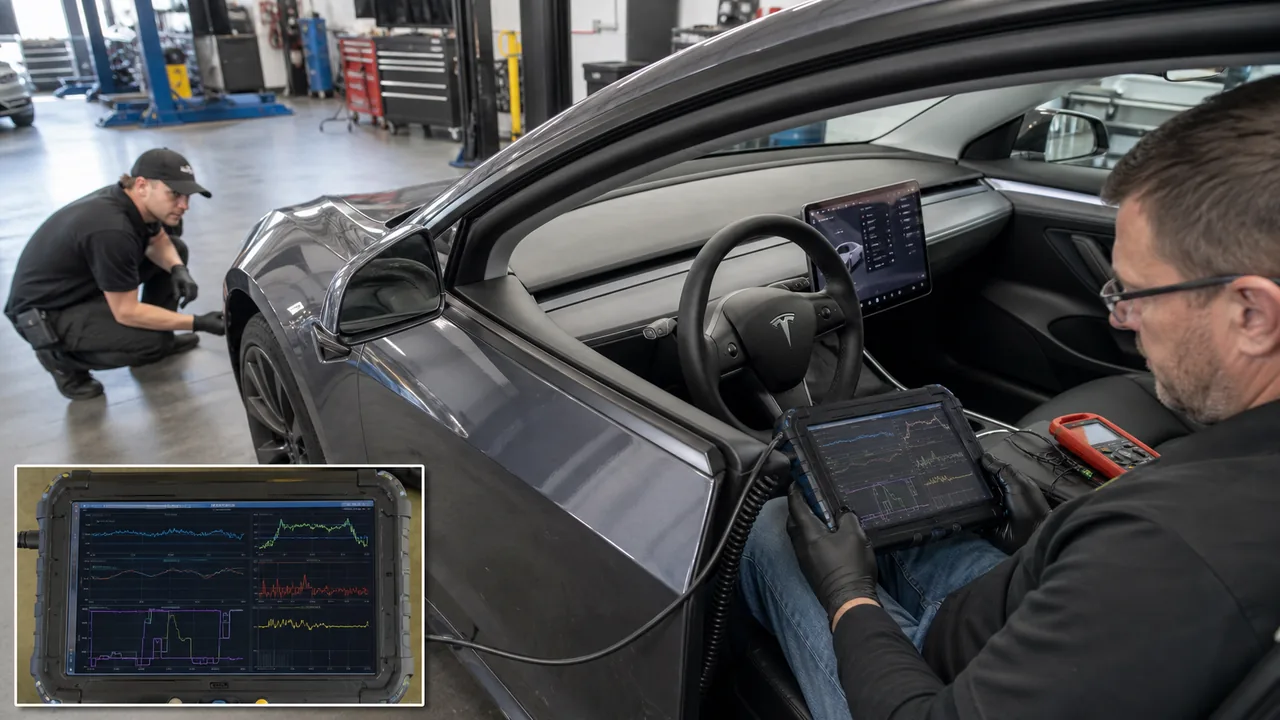
A controlled sequence prevents two common mistakes: ignoring a real brake concern because the car is electric, or assuming an expensive EV fault before checking tires, alerts, battery conditions, and brake surface behavior.
- Use the brake pedal if the stop does not feel smooth or predictable.
- Document alerts, exact conditions, software version, tire status, and whether the issue repeats.
- Separate regen-only behavior from pedal-braking behavior.
- Look for environmental triggers such as cold battery, high state of charge, wet roads, road salt, or tire changes.
- Escalate to Tesla Service or a qualified EV brake inspection when red flags are present.
If a technician confirms brake surface rust or pad grab, the repair path is different from a wheel-speed sensor or ABS-related fault. If the issue follows a tire change, the answer may be tire pressure, tire fitment, or calibration rather than brake hardware.
- Brake pads and rotors: inspect for wear, corrosion, uneven contact, or noise before replacement.
- Caliper hardware: inspect only through qualified brake service, especially if grabbing or drag is suspected.
- Tires: confirm pressure, type, wear, size, and recent changes before blaming regen software.
- Wheel-speed or ABS-related parts: replace only after diagnostic evidence points there.
- Software or calibration: review update history and service logs before treating the symptom as mechanical.
Parts that may be involved
A mild low-speed transition feel is not automatically an emergency, but braking confidence is the deciding factor. The driver should always be ready to use the brake pedal because regenerative braking and Hold behavior can vary with battery state, road surface, tire grip, and vehicle conditions.
- Drive with extra following distance until the symptom is understood.
- Avoid testing the symptom in traffic, on hills, or on slippery roads.
- If a warning appears, save the exact wording and time before opening a service request.
- If the car no longer stops smoothly, treat it as a brake concern rather than a comfort complaint.
The refreshed Model 3 can use regenerative braking to slow the car when the accelerator is released, while the friction brakes and Hold feature may be involved near the final stop. That handoff can feel different from a conventional automatic car, but it should not make the driver doubt whether the car will stop.
| Small one-time bump near the final stop with no alert | Possible regen-to-Hold or brake-blending feel | Monitor and record conditions |
| Jerk changes with cold battery, high charge, winter tires, or wet road | Regen limit, traction, or tire calibration influence may be involved | Check battery and tire context before assuming a fault |
| Jerk disappears briefly after using the brake pedal | Friction brake surface condition, brake blending, or recalibration behavior may be relevant | Record repeatability and ask for brake inspection if it returns |
| Grinding, pulling, warning indicators, or harsh repeated grab | Possible brake, ABS, sensor, tire, or hardware issue | Stop normal use and contact service |
Feature names and available settings can vary by software version, market, and vehicle configuration. Verify any setting path in the current owner manual or on the vehicle before publishing exact menu instructions.
Start with repeatability. A service technician can work faster when you can show whether the jerk happens after cold start, high charge, wet roads, winter tires, a software update, or only after several stops. Video is useful only if it is captured safely by a passenger or stationary camera.
- Choose a safe, low-traffic area and confirm the car stops normally with the brake pedal.
- Make one gentle regen stop and note whether the jerk occurs only at the final stop.
- Repeat after a normal brake-pedal stop and note whether the symptom temporarily changes.
- Check the touchscreen for brake, ABS, traction, tire pressure, Hold, or regen-limited indicators.
- Record battery condition, outside conditions, road surface, tire type, and recent updates or service.
- Stop testing if the jerk becomes harsh, the car pulls, an alert appears, or braking confidence drops.
Do not remove wheels, inspect hydraulic brake components, probe sensors, or attempt high-voltage diagnosis for this symptom. Owner-safe checks should stop at observation, tire-pressure confirmation, alert capture, and safe repeatability notes.
FAQ
Is a small jerk before stopping normal on a Tesla Model 3 Highland?
A small, brief change in deceleration can happen near the final stop when regen transitions to Hold or friction braking. It should be mild and predictable. A harsh or repeated jerk should not be dismissed as normal.
Why does the jerk happen only when I slow down without the brake pedal?
That pattern points toward the regen-to-Hold transition, brake blending, traction behavior, or low-speed control logic rather than a basic pedal-braking complaint. It still deserves inspection if it is strong, repeatable, noisy, or warning-linked.
Can cold battery or high charge make regen feel different?
Yes. Regenerative braking can be limited by battery condition, including cold battery or high state of charge, and the car may rely more on regular brakes to keep deceleration consistent. Record whether preconditioning changes the symptom.
Will a generic OBD scanner show the cause?
Not reliably. Tesla alerts, exact warning text, service logs, and Tesla-capable diagnostics are more useful than guessing public generic codes for a regen or brake-blending symptom.
Should I keep driving if the car jerks at every final stop?
If the jerk is harsh, repeated, or affects braking confidence, stop treating it as normal behavior and arrange Tesla Service or qualified EV brake inspection. Use the brake pedal normally and avoid close traffic until it is checked.
Comments
Be the first to add a practical repair note or follow-up question.