
What this part does
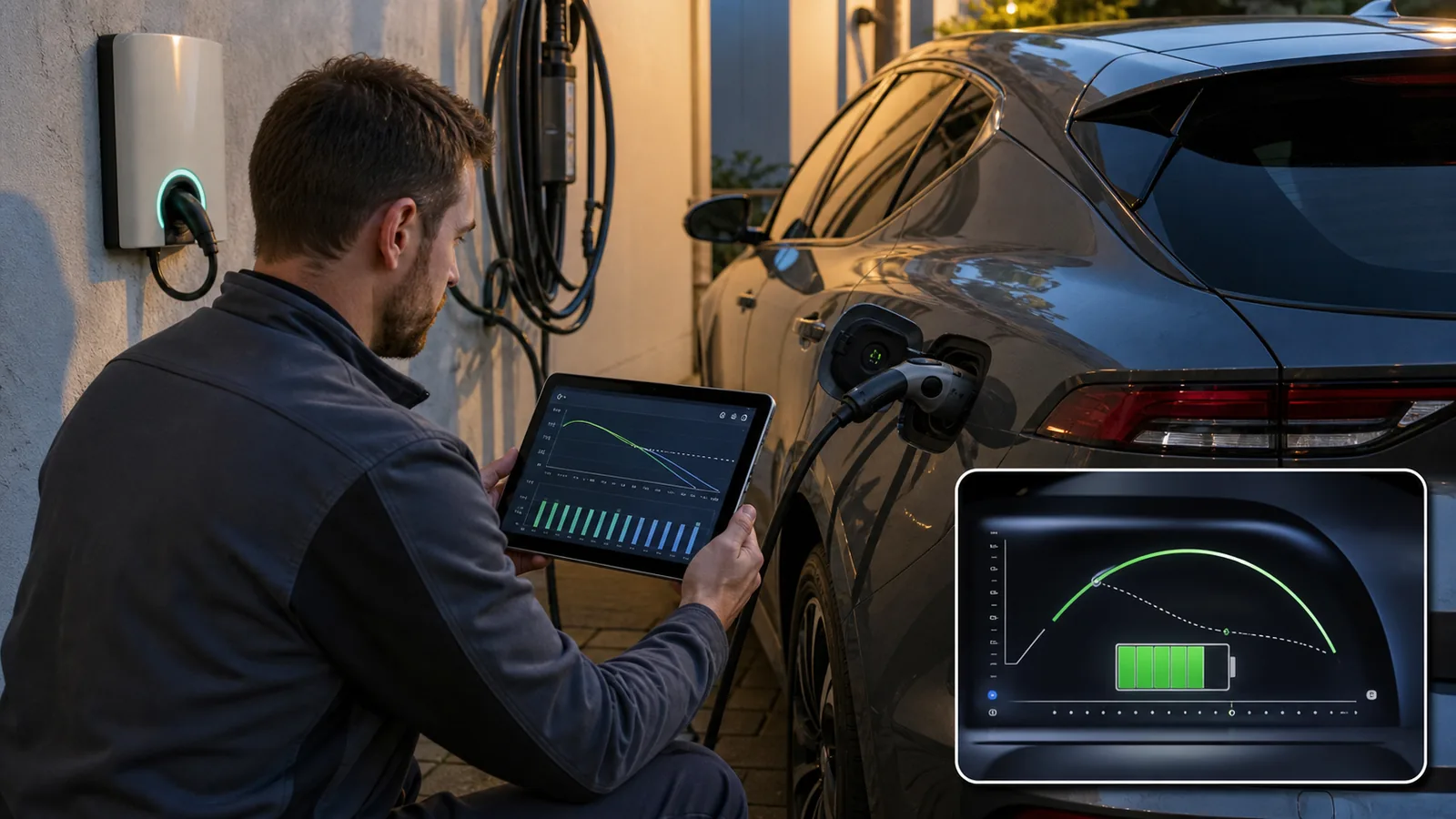
An EV state of charge that drops or rises slowly near full charge usually means the battery management system is tapering current as the cells approach their voltage limits. The likely cause family is normal high-state-of-charge tapering, temperature management, cell balancing, or a less-linear gauge display, so first check the charge limit, charger status, and app messages before suspecting a battery fault. If there are no warnings or failed sessions, this is usually normal; if charging stops, overheats, or changes suddenly from the vehicle's normal pattern, investigate soon.
State of charge is a managed estimate, not a simple fuel-tank float. The vehicle blends battery measurements, charge counting, cell behavior, temperature data, and software strategy to decide what percentage to show. Near the top of the battery, the gauge can appear less linear because each small change is constrained by cell voltage limits and pack-protection logic.
During charging, the early and middle portions can accept energy more readily. As the pack approaches a high state of charge, the system slows the session so the strongest cells do not exceed their safe limits while weaker cells catch up. That is why the last part of a charge can take noticeably longer than the earlier part, especially when the vehicle is balancing cells or managing battery temperature.
- Charge taper protects cell voltage as the pack nears full.
- Thermal management may slow charging when the pack or surroundings are not in the preferred operating range.
- Cell balancing can make the displayed percentage pause or move slowly while the pack equalizes cell groups.
- The state-of-charge gauge may not move in a perfectly linear way compared with usable energy or displayed range.
- A slow top-end charge alone does not confirm a weak battery, bad charger, or failed onboard charger.
Common failure signs
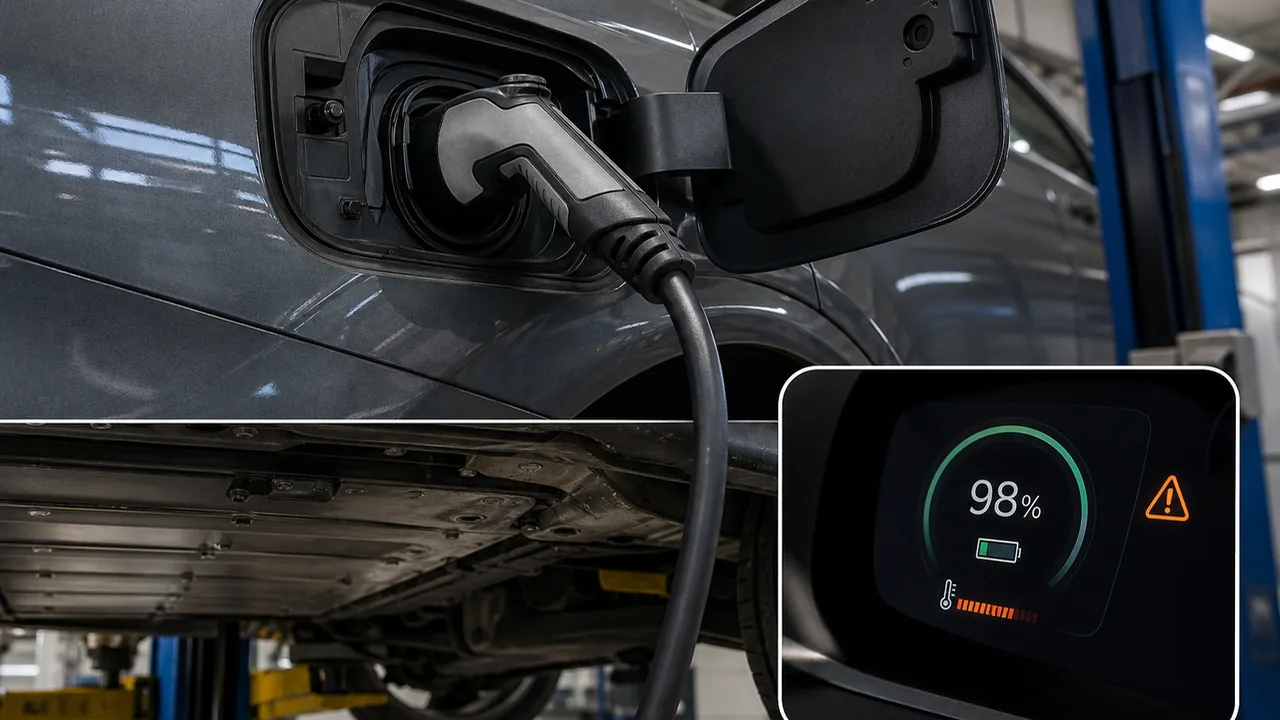
Normal taper usually shows up as a slow climb, pause, or gradual final percentage change with no warning messages and a completed charge session. A fault is more likely when the vehicle interrupts charging, refuses the set limit, shows a charging warning, loses range suddenly, or behaves differently on a known-good charger.
| State of charge climbs slowly near a high charge level, then finishes normally | Normal charge taper, cell balancing, or gauge behavior | Keep charging if needed and compare with the owner's manual charge-limit guidance |
| State of charge appears to drop slowly just after a full or near-full charge | Gauge recalculation, changing usable-energy estimate, climate load, or normal top-end nonlinearity | Monitor range and recent conditions before assuming a fault |
| Charging slows earlier than usual but there are no warnings | Temperature, station limit, charge setting, or software strategy may be involved | Check app limits, charger type, ambient conditions, and recent updates |
| Charging stops before the set limit or repeatedly fails | Charging-system fault, EVSE communication issue, thermal issue, or BMS concern | Try a known-good charger if safe, then arrange professional diagnosis |
| Warning light, charging fault message, abnormal heat, or sudden range loss appears | A BMS, charging, thermal, or battery-health issue may be present | Stop guessing and have the vehicle scanned with appropriate EV diagnostic equipment |
Do not open, probe, bypass, or disassemble high-voltage battery parts. Owner-safe checks should stay outside the high-voltage system: settings, cable seating, app messages, charger selection, and owner manual guidance.
Before replacing it
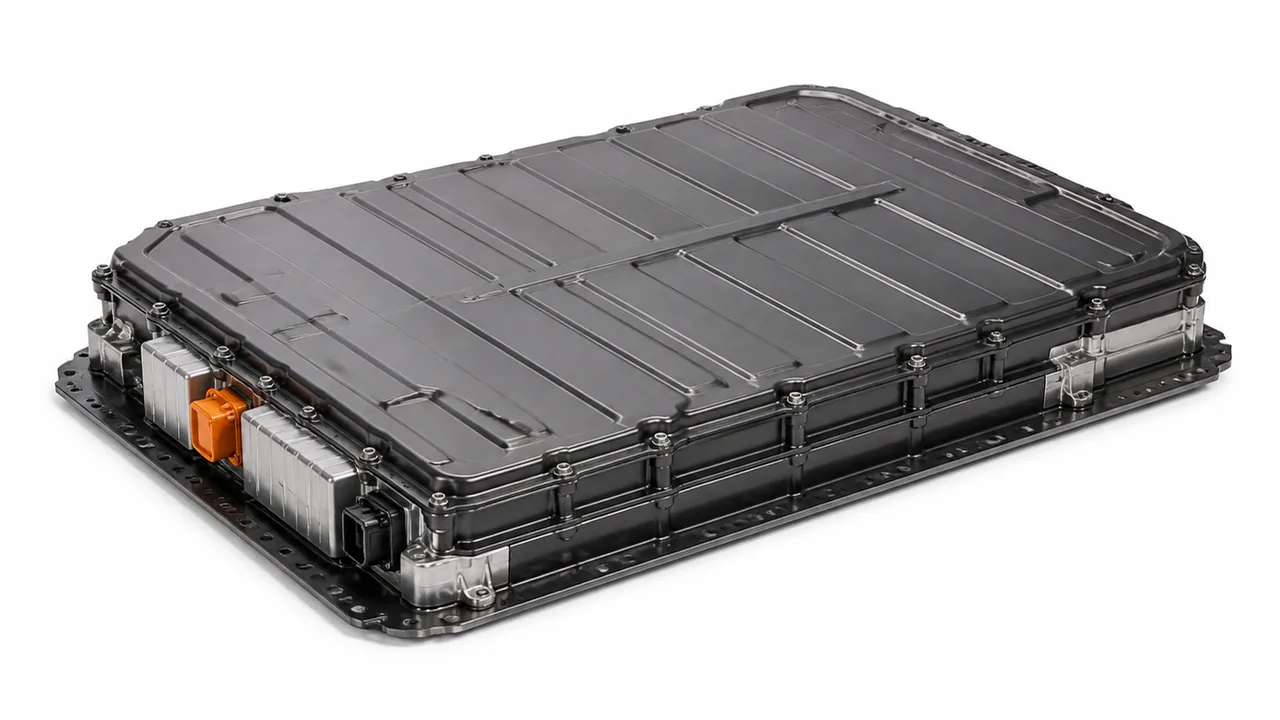
The most common explanation is charge taper: the vehicle reduces charging power as the pack approaches a high state of charge. This protects the cells and can make the final percentage points feel slow compared with the earlier part of the session. The exact point where taper becomes obvious varies by model, battery temperature, charger type, and software strategy.
- Charge taper near high state of charge: the battery management system reduces current as cells approach their upper operating limits.
- Temperature management: cold, hot, or recently hard-used packs may charge more slowly while the vehicle protects battery temperature.
- Cell balancing: the system may slow or pause the visible percentage change while it keeps cell groups aligned.
- Charger or station limits: a home circuit, portable EVSE, public station, adapter, or shared charging site may deliver less than expected.
- Charge-limit and scheduling settings: the vehicle or app may be set to stop below full, delay charging, or use a battery-care mode.
- Software recalculation: an update, reset, or learned driving pattern can change how range and state of charge are displayed.
- Charging-system faults: repeated interruptions, warning lights, or failure to reach the set limit can involve the EVSE, charge port, onboard charger, BMS, thermal system, or battery sensors.
A separate owner complaint is that the percentage drops slowly while driving from a high state of charge, or that the range estimate does not match the percentage exactly. That can happen because the gauge is not a direct measure of usable energy at every moment. Battery voltage, temperature, accessory use, speed, terrain, and software estimation all influence how state of charge and range relate to each other.
Inspection steps
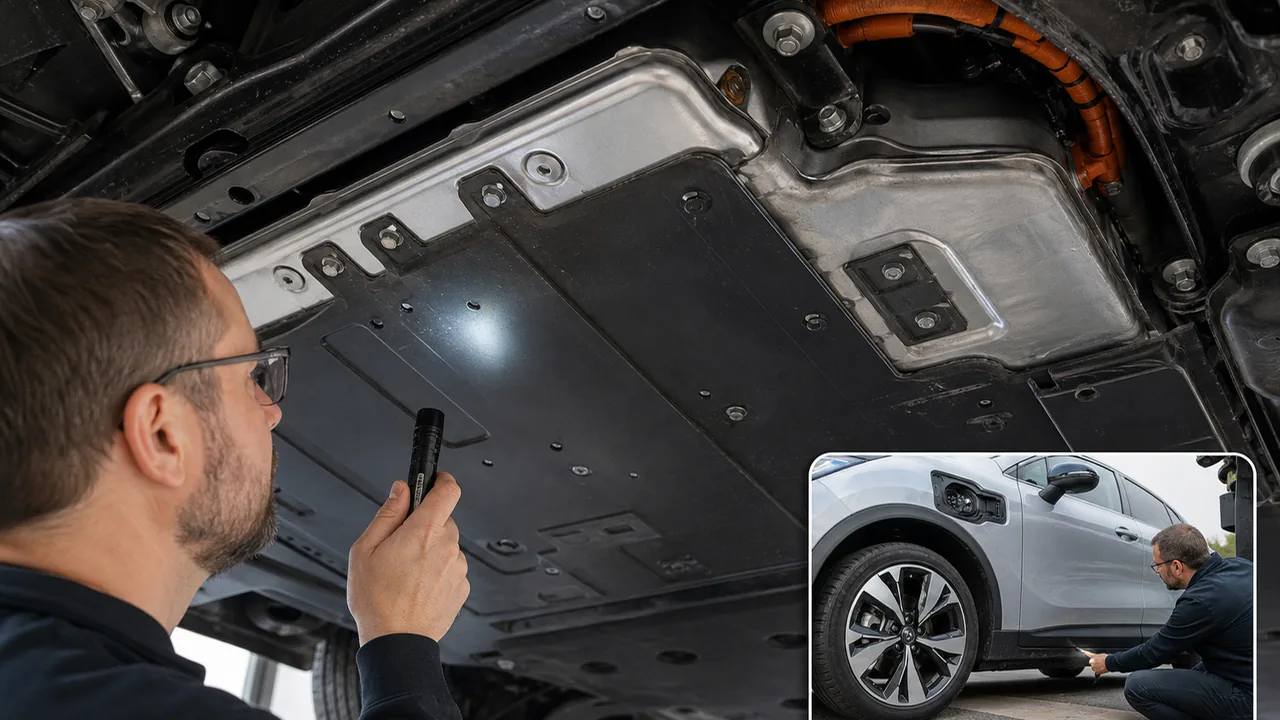
The fastest useful owner check is to confirm the target charge limit and any scheduled charging rules before judging the battery. Many slow-charge complaints are made worse by a setting, charger limit, cold or hot conditions, or a final top-end taper that is normal for the vehicle.
- Open the vehicle screen and mobile app, then confirm the charge limit and schedule.
- Identify the charger type being used and whether the charging site may be limiting output.
- Check the connector fit, latch engagement, and visible cable condition without opening any electrical parts.
- Read app notifications and dashboard messages before unplugging, because some warnings disappear after a restart.
- Note ambient conditions and whether the vehicle was just driven hard, parked cold, or fast charged recently.
- Compare the session with the same charger used under similar conditions, then with a known-good alternate charger if available.
- A clean session that finishes at the set limit points toward normal taper or settings.
- A session that slows only at a high state of charge is usually less concerning than one that slows at every charge level.
- A session that stops before the set limit needs more attention than one that simply takes longer near the top.
- A sudden change after an update may be software strategy, but repeated faults still need diagnosis.
- Reduced range plus charging warnings should be treated as a battery or charging-system concern until tested.
For daily use, many EVs allow a lower charge limit and reserve full charges for trips, but the correct habit depends on the vehicle and owner manual. Charging to 100 percent is not automatically harmful; unnecessary full charges are simply not always the most efficient daily routine.
A slow top-end charge does not automatically justify buying a replacement charger, cable, or charge-port part. If the vehicle charges normally elsewhere, the issue may be the station or setup. If the same fault follows the vehicle across known-good chargers, diagnostic data should decide the next step.
- For a used portable charger or EVSE, check the label, connector, plug type, cable condition, and signs of overheating.
- For a used charge-port assembly, confirm exact fitment and inspect seals, locking hardware, terminals, and connector condition.
- For control modules, confirm whether programming, pairing, or calibration is required before purchase.
- For battery-related parts, use OEM procedures and qualified technicians; owner-level used-part swapping is not appropriate for high-voltage components.
If a seller cannot confirm compatibility or the part shows heat damage, corrosion, broken locks, or altered wiring, skip it. Charging faults can be safety-related, and a cheap part is not useful if it creates a new fault or masks the real one.
Replacement notes
When slow state-of-charge movement is paired with warning lights, repeated charging failures, abnormal heat, sudden range loss, or a major change from the vehicle's normal pattern, the smarter next step is diagnostic testing. A technician should verify the charging command, battery data, thermal data, and fault history before recommending parts.
- Scan the BMS, onboard charger, charge-port, and related control modules for current and stored diagnostic trouble codes.
- Review charging-session data, state-of-charge estimation behavior, cell-balance information, and battery temperature data where available.
- Check charger communication and handshake behavior with approved equipment and a known-good EVSE.
- Inspect the charge port, connector condition, seals, latch function, and visible wiring condition without bypassing safety systems.
- Verify thermal-management operation according to OEM procedures before blaming the battery pack.
- Confirm that software level, service bulletins, and owner settings are not explaining the charging behavior.
- Confirm the customer complaint with the same charge target and charger type.
- Scan for BMS or charging-system codes before clearing anything.
- Check live data for temperature, charge-command status, charger communication, and cell-balance indicators where the OEM tool supports it.
- Use OEM service information to isolate the EVSE, charge port, onboard charger, thermal system, or battery management concern.
- After repair, verify that the vehicle charges to the requested limit without warnings and that the behavior is consistent on a known-good charger.
Do not diagnose a failed high-voltage battery solely from slow charging near full charge. Battery warranty, recall, campaign, and model-specific threshold claims require OEM documentation and expert validation.
FAQ
Is slow charging near full charge normal in an EV?
Yes, it is often normal. The battery management system usually tapers charging near a high state of charge to protect cell voltage, manage heat, and allow cell balancing. It becomes more concerning if the vehicle shows warnings, stops charging, or behaves very differently than it did before.
Why does my EV percentage seem to pause near the top?
The percentage can appear to pause because the system is reducing current, balancing cells, or recalculating the displayed state of charge. A pause with no warning and a completed charge is usually less concerning than a pause followed by a failed session.
Does slow state of charge near full mean the battery is failing?
Not by itself. Battery degradation, charger faults, and thermal problems can affect charging, but slow movement near full charge alone is not enough to diagnose a failed battery. Scan data, warning messages, range behavior, and repeatable charge failures matter more.
Should I charge to 100 percent every day?
Follow the owner's manual and your actual driving needs. Many EV owners use a lower daily charge limit and save full charges for trips, but charging to 100 percent when needed is not automatically a fault or misuse.
When should I schedule a diagnostic inspection?
Schedule diagnosis when slow charging comes with warning lights, repeated failed sessions, abnormal heat, sudden range loss, charging that stops before the set limit, or a major change from the vehicle's normal charging pattern.
Comments
Be the first to add a practical repair note or follow-up question.