
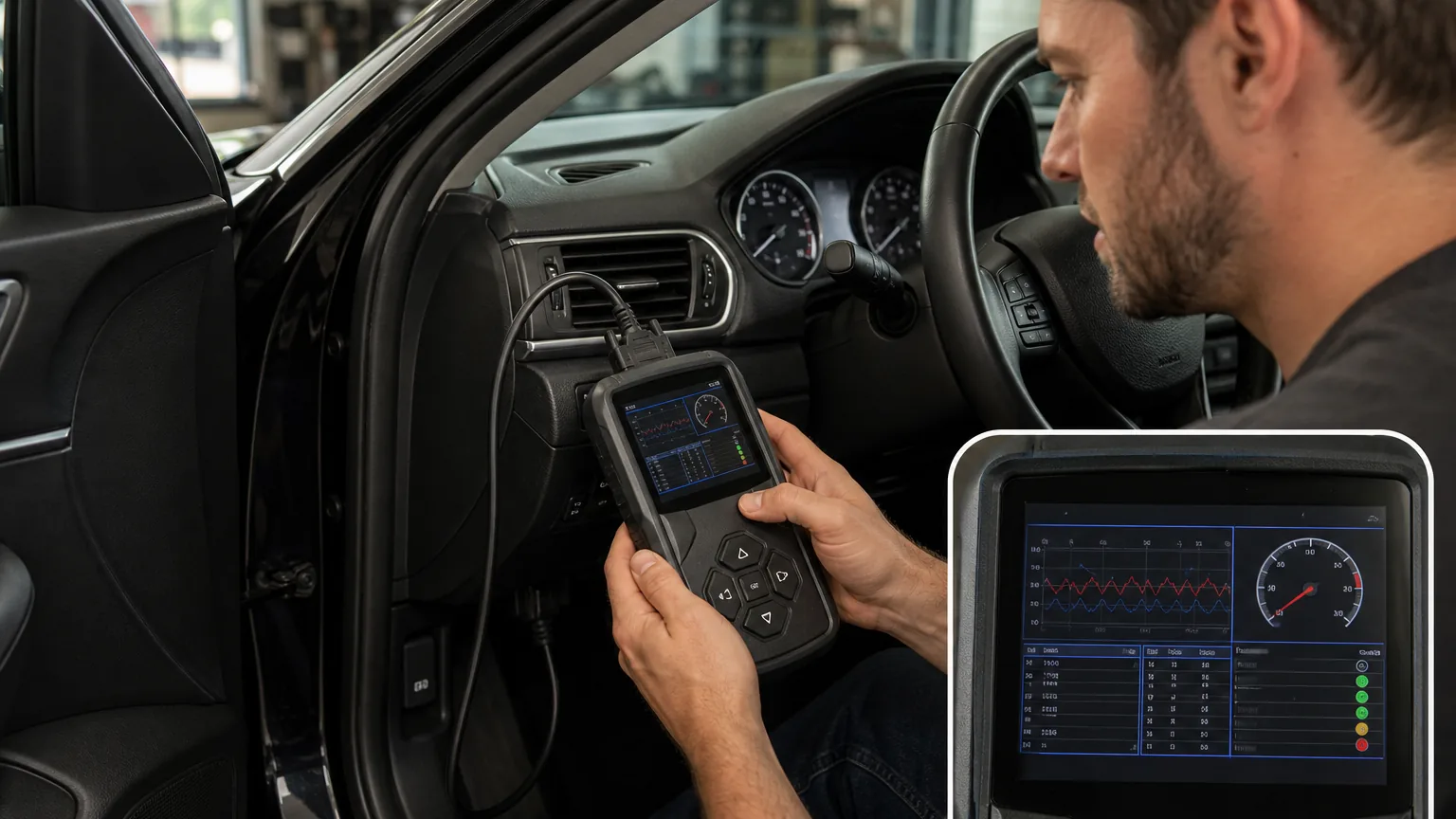
What drivers usually notice
| Check engine light | Stored, pending, and permanent codes | Shows what the vehicle has detected and whether the fault is current or still retained. |
| Rough idle or hesitation | Live data and graphing | Helps compare fuel trim, airflow, throttle, temperature, and oxygen sensor behavior. |
| Intermittent warning | Freeze frame | Shows conditions from the moment the fault was detected. |
| Emissions readiness | Readiness monitors and permanent codes | Helps determine whether monitors have run before an inspection attempt. |
| Misfire feeling | Codes, live data, and Mode 6 where supported | Can help separate a current misfire concern from stored history. |
Why it happens
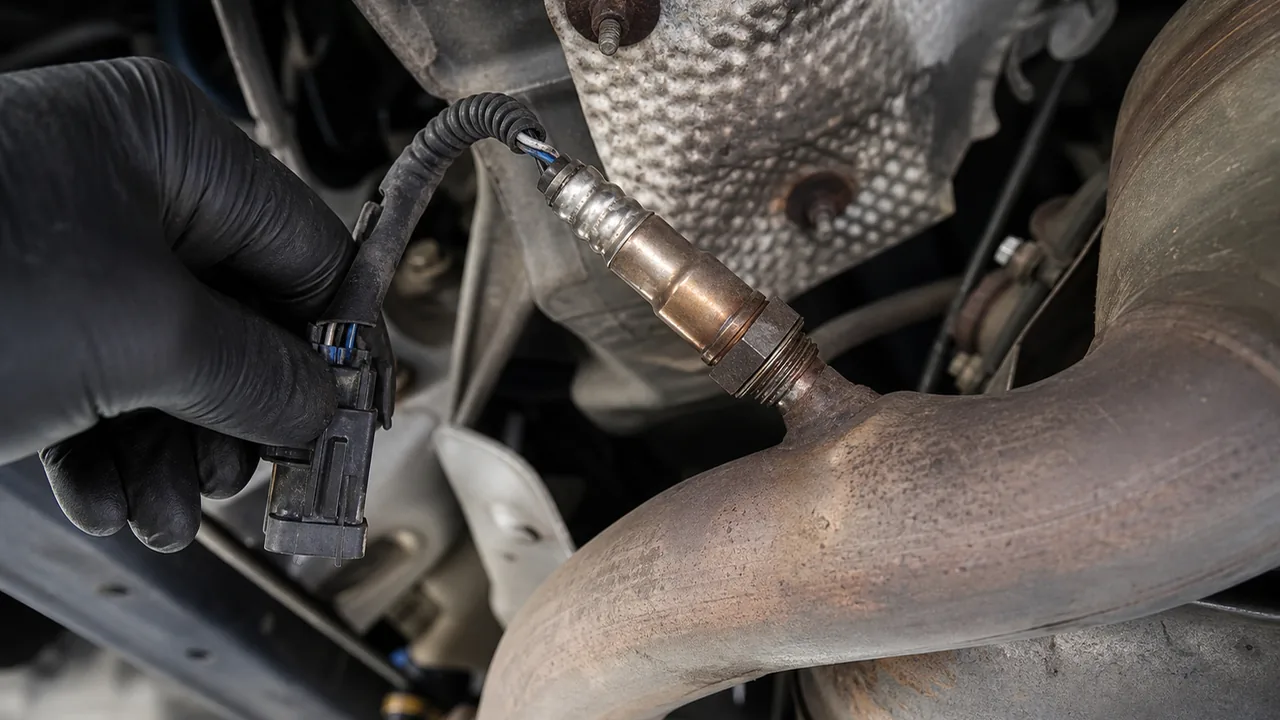
For a rough idle, hesitation, poor fuel economy, or misfire feeling, live data can help narrow the direction of testing. Fuel trim behavior may support a vacuum leak, fueling issue, exhaust leak, or sensor concern, but the data must be interpreted with the vehicle condition and service information in mind.
- Graphing makes changing values easier to compare than a fast-scrolling number list.
- Saved live data can help you research the code without losing the symptom context.
- Live data is most useful when compared before and during the symptom, not after random parts are replaced.
Stored codes usually mean the fault has met the conditions for the vehicle to record it. Pending codes may show a fault that has not fully matured. Permanent codes can remain until the vehicle confirms the repair through its own monitor logic. Generic codes are standardized, while manufacturer-specific codes and module data depend on scanner coverage.
- A lean code may involve air leaks, fueling, sensor reporting, exhaust leaks, or wiring.
- A misfire code may involve ignition, fuel delivery, compression, air leaks, or control issues.
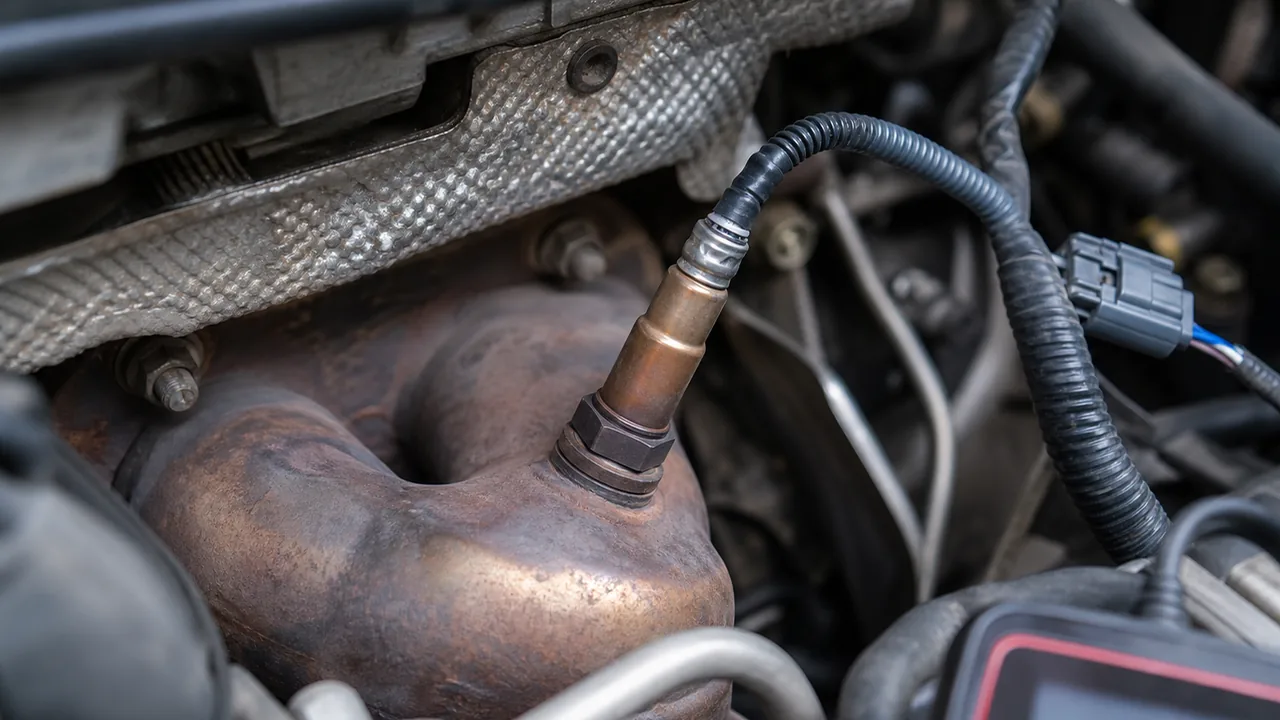
- An oxygen sensor code may point to sensor performance, wiring, mixture problems, or exhaust conditions.
- A readiness issue may mean monitors have not completed, not that a part has failed.
Safe driving advice
Live data is real-time sensor and system information while the vehicle is operating. Freeze frame is a snapshot of conditions captured when a fault was detected. Mode 6 is onboard monitor test information that can help confirm marginal failures, but its labels, limits, and usefulness vary by vehicle and scanner.
- Code reading and clearing are the baseline, not the full diagnosis.
- Live data helps compare current sensor behavior against the symptom.
- Freeze frame helps explain what was happening when the code set.
- Readiness monitors matter for emissions inspection planning.
- Mode 6 is valuable for deeper checks, but it is easier to misread than basic codes.
- Must-have: stored codes, pending codes, permanent codes, code clearing, freeze frame, and readiness monitors.
- Strong DIY upgrade: live data, graphing, saved reports, vehicle-specific code definitions, and clear data export.
- Advanced feature: Mode 6, enhanced manufacturer data, ABS, SRS, transmission coverage, and bi-directional controls where supported.
- Nice but not decisive: large screens, bundled cases, broad shortcut menus, and app extras that do not improve diagnostic accuracy.
A scanner cannot safely confirm a part replacement by code alone. A code points to a system, circuit, or operating condition that needs testing.
Save the freeze frame before clearing codes. Clearing may erase the most useful context, reset readiness information, and make an emissions problem harder to document. If the vehicle has multiple codes, compare the freeze frame and code status before assuming the first code displayed is the failed part.
- Record stored, pending, and permanent codes.
- Save or photograph freeze frame screens.
- Note symptoms, weather, fuel level if relevant, and when the warning appeared.
- Check readiness status before clearing anything.
The challenge is interpretation. Some scanners translate Mode 6 results clearly, while others show test IDs, component IDs, or incomplete labels. A passing or failing monitor result may still need service information, repeat testing, and technician judgment before any part is replaced.
Use Mode 6 as supporting evidence. Do not use it as the only reason to replace a converter, oxygen sensor, injector, coil, or evaporative system component.
Do not perform driving tests when the vehicle is shaking badly, overheating, losing power unpredictably, leaking fuel, braking poorly, steering abnormally, or showing safety-system warnings. For those cases, scan data is useful documentation, but professional diagnosis is the safer next step.
Can I clear the code and keep driving?
Clear codes only after saving stored codes, pending codes, freeze frame data, and readiness status. Clearing before documentation can erase the context needed for diagnosis.
| Bluetooth adapter | Owners who want app-based code checks and saved data | Coverage and app quality vary, and setup can distract from the diagnostic task. |
| Handheld DIY scanner | Owners who want a dedicated tool for codes, freeze frame, readiness, and live data | May have fewer advanced functions than higher-end tools. |
| Advanced scan tool | Serious DIY users who need enhanced data, graphing, Mode 6, and broader module support | Requires more interpretation and should not encourage unsafe testing. |
- Do not clear codes before saving freeze frame and readiness status.
- Do not assume a generic code has the same cause on every vehicle.
- Do not assume all scanners read ABS, SRS, transmission, or manufacturer-specific modules.
- Do not treat Mode 6 test results as universal part-replacement instructions.
- Do not trust product claims without checking current scanner coverage for your vehicle.
The best scanner is the one that helps you slow down the diagnosis: collect the code, preserve the context, compare live data, check the basics, then decide whether the next step is a related APW guide, a better scan tool, or professional diagnostic help.
What to check
- Connect the scanner and read all stored, pending, and permanent codes.
- Save freeze frame data and readiness monitor status.
- Check whether the code is generic or manufacturer-specific.
- Review live data only for systems you understand well enough to interpret cautiously.
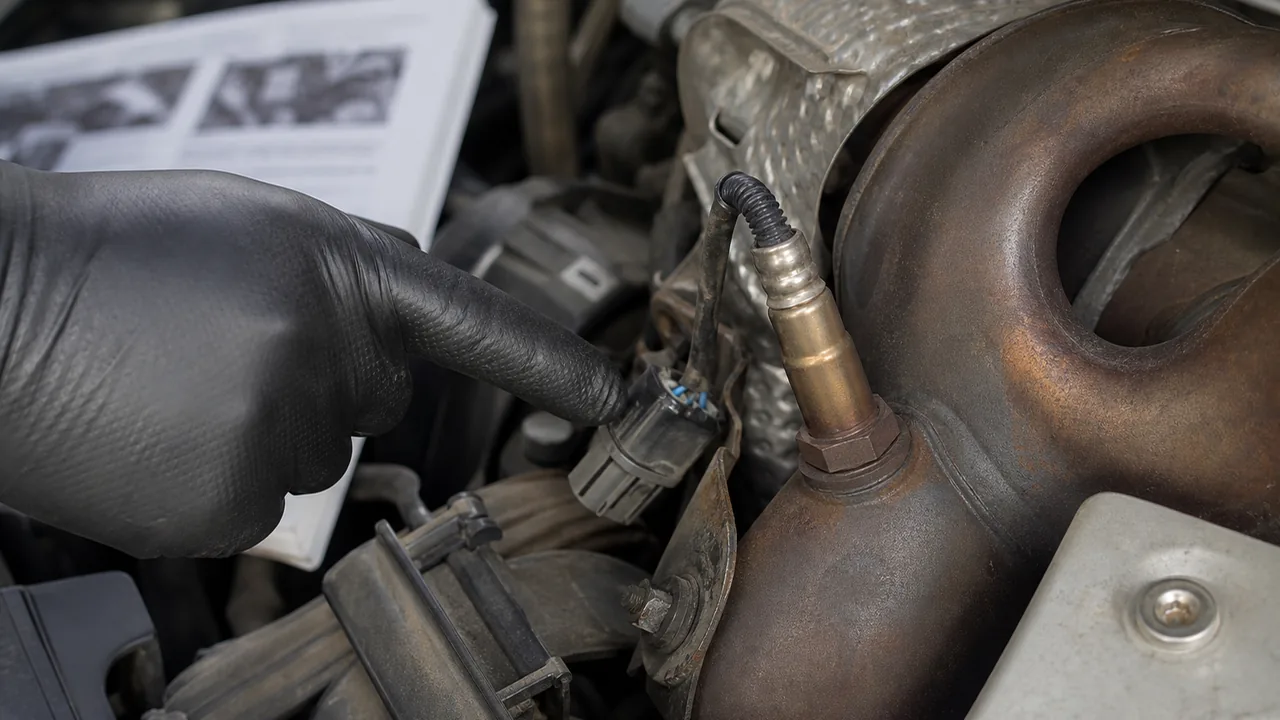
- Inspect simple visible items such as loose connectors, damaged hoses, or a loose fuel cap where relevant.
- Research the code path before replacing parts.
- Recheck after any repair only after documenting the original data.
Professional checks may include circuit testing, smoke testing, fuel pressure testing, oscilloscope testing, scan-tool functional tests, and manufacturer diagnostic procedures.
When to stop driving
- Do not continue a road test with a flashing check engine light or severe shaking.
- Do not keep driving through overheating or low-oil warnings.
- Do not use DIY scan checks as a substitute for brake, steering, airbag, or transmission diagnosis.
- Do not rely on Mode 6 or live data alone for safety-critical decisions.
If the scan shows ABS, SRS, transmission, or manufacturer-specific faults and your scanner cannot clearly identify the module data, use the information as a starting point for professional diagnostic inspection rather than continued guessing.
FAQ
What scanner features do DIY mechanics need?
Most DIY users need code reading and clearing, freeze frame data, readiness monitors, pending and permanent codes, and live data. More serious users should look for graphing, Mode 6, enhanced manufacturer coverage, update support, and data export.
What is live data?
Live data is current sensor and system information shown while the vehicle is operating, such as coolant temperature, fuel trims, oxygen sensor activity, throttle position, RPM, and vehicle speed.
What is freeze frame data?
Freeze frame data is a snapshot saved when a fault was detected. It helps show the conditions around the code, which is useful for intermittent problems.
What is Mode 6?
Mode 6 shows onboard monitor test information. It can be useful for advanced DIY diagnostics, but labels, limits, and usefulness vary by vehicle and scanner.
Can a scanner tell me what part to replace?
No. A scanner can point to a system, circuit, or condition, but the repair decision should be confirmed with testing and the correct diagnostic procedure.


Comments
Be the first to add a practical repair note or follow-up question.